Deal
Deal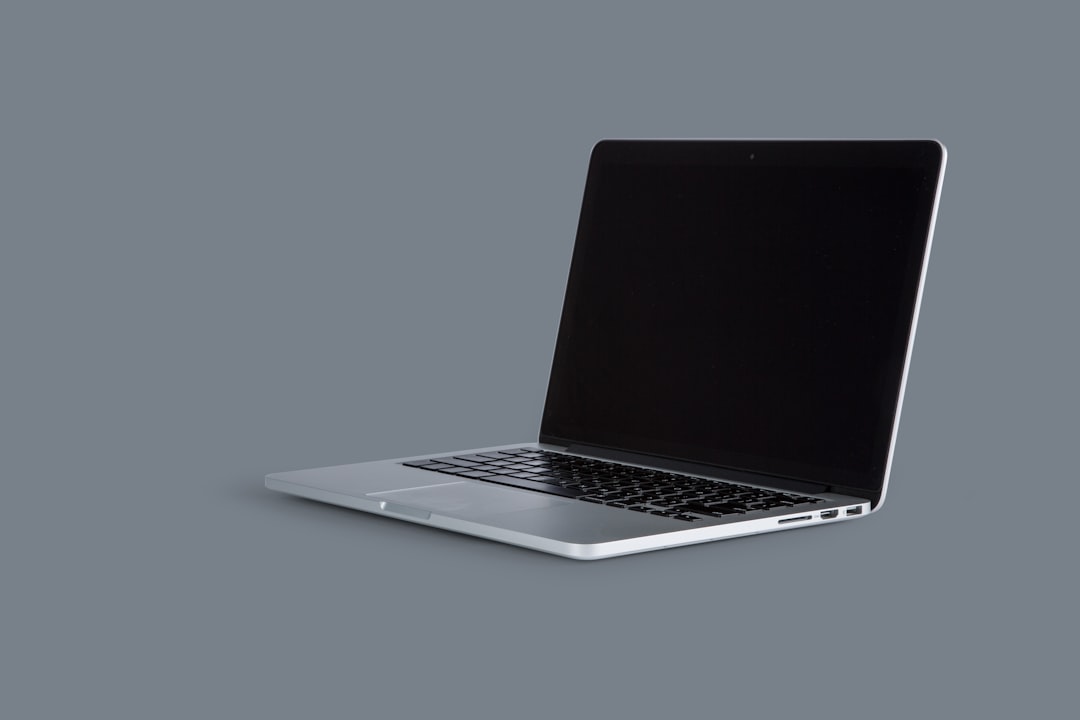
Last month, I saved $1,200 on a MacBook Pro by buying refurbished instead of new. Same specs, same warranty, literally identical performance – but nearly 40% off the retail price. It got me thinking: why do so many people still fear refurbished electronics when the savings are this massive?
I've been buying refurbished tech for over a decade, and I've learned exactly when it's a smart move and when you should run the other way. Today, I'm sharing everything I know about navigating the refurbished electronics market to help you make informed decisions that could save you thousands.
What Does "Refurbished" Actually Mean?
Here's where it gets confusing – not all refurbished electronics are created equal. There are actually several categories, and understanding them is crucial for smart shopping:
- Manufacturer Certified Refurbished: The gold standard. These are devices returned to the original manufacturer, thoroughly tested, repaired if needed, and sold with a warranty
- Retailer Refurbished: Items refurbished by major retailers like Best Buy or Amazon. Quality varies, but generally reliable
- Third-Party Refurbished: Handled by independent companies. This is where you need to be extra careful
- Open-Box Items: Technically not refurbished – just returned items that may have never been used
I learned this distinction the hard way when I bought a "refurbished" tablet from a sketchy third-party seller on eBay. The screen had dead pixels, the battery lasted two hours, and there was zero warranty support. That $150 "deal" ended up costing me $300 when I had to buy a replacement.
The Electronics Where Refurbished Makes Perfect Sense
Through trial and error (mostly success, thankfully), I've identified the electronics categories where refurbished purchases are almost always smart moves:
Laptops and Desktop Computers
This is where I've seen the biggest savings. Business-grade laptops like ThinkPads or Dell Latitudes are especially good refurbished buys because they're built to last. I bought a refurbished ThinkPad T480 for $650 that would have cost $1,200 new. Three years later, it's still running perfectly.
Smartphones (With Caveats)
iPhones hold up incredibly well as refurbished purchases. Apple's own refurbished program is fantastic – they replace the battery, outer shell, and provide the same one-year warranty as new devices. I saved $300 on an iPhone 13 Pro this way.
Tablets
iPads, especially, are excellent refurbished buys. Since tablets don't get the heavy daily abuse that phones do, they tend to age well. Plus, Apple's refurbished iPads are virtually indistinguishable from new ones.
Gaming Consoles
Here's a secret: many "refurbished" consoles are actually just returned units that someone changed their mind about. I've bought three refurbished consoles over the years, saving 15-25% each time, and never had issues.
Pro tip: Always check if the manufacturer offers their own refurbished program before looking elsewhere. Apple, Dell, HP, and Lenovo all have excellent certified refurbished programs with warranties that rival new products.
When to Avoid Refurbished Electronics
Not every electronic device is a good refurbished candidate. Here are the categories I generally avoid:
Headphones and Audio Equipment
Think about it – these items literally touch people's ears and faces. Even with cleaning, there's an "ick factor" that's hard to overcome. Plus, audio equipment often shows wear in ways that aren't immediately obvious, like driver deterioration.
Wearable Devices
Smartwatches, fitness trackers, and VR headsets fall into the same category as headphones. They're personal items that experience a lot of physical contact and sweat. The hygiene factor aside, batteries in wearables degrade quickly with heavy use.
Hard Drives and Storage Devices
Storage devices have limited lifespans measured in read/write cycles. A refurbished hard drive might look fine but could be 80% through its usable life. For the small savings involved, it's not worth the data loss risk.
Budget Electronics
If something only costs $50 new, the refurbished savings are minimal – maybe $10-15. At that point, the warranty and peace of mind of buying new usually outweigh the small savings.
My Refurbished Shopping Strategy
Over the years, I've developed a systematic approach to refurbished shopping that's served me well:
Step 1: Check the Manufacturer First
Always start with the original manufacturer's refurbished program. Apple, Dell, HP, Lenovo, and others offer refurbished units with warranties and return policies similar to new products.
Step 2: Verify the Warranty
If it doesn't come with at least a 90-day warranty, walk away. Legitimate refurbished products should have substantial warranty coverage. My rule: if the warranty is less than 90 days, the savings aren't worth the risk.
Step 3: Research the Refurbisher
Who actually did the refurbishing? Major retailers like Best Buy, Amazon, and Newegg have solid refurbishment processes. Unknown third-party companies? Proceed with extreme caution.
Step 4: Understand the Return Policy
You should have at least 14 days to return a refurbished item, no questions asked. Some places offer 30 days, which is even better. This gives you time to thoroughly test the device.
Real-World Savings Examples
Let me share some specific examples from my own purchases to show you the potential savings:
- MacBook Pro 14" (M1 Pro): New: $2,499, Apple Refurbished: $1,299 – Saved $1,200
- iPad Air (5th generation): New: $599, Apple Refurbished: $459 – Saved $140
- iPhone 13 Pro: New: $999, Apple Refurbished: $699 – Saved $300
- Dell XPS 13: New: $1,199, Dell Outlet: $749 – Saved $450
- Nintendo Switch: New: $299, GameStop Refurbished: $249 – Saved $50
That's over $2,000 in savings across five purchases, with zero performance differences compared to buying new.
Red Flags to Watch Out For
Not every refurbished deal is legitimate. Here are the warning signs I've learned to spot:
- No warranty or very short warranty periods: Legitimate refurbishers stand behind their work
- Prices that seem too good to be true: A $2,000 laptop for $400 is probably stolen, broken, or fake
- Vague product descriptions: "Some scratches" or "minor wear" without photos is a red flag
- Sellers with poor ratings: Always check seller feedback on platforms like eBay or Amazon
- No return policy: You should always be able to return a refurbished item if it doesn't meet expectations
Testing Your Refurbished Purchase
When your refurbished device arrives, don't just turn it on and call it good. Here's my testing checklist:
Physical Inspection
Check for scratches, dents, or other damage that wasn't disclosed. Take photos of any issues you find – you might need them for a return claim.
Performance Testing
Run the device through its paces. For laptops, I check the keyboard, trackpad, all ports, Wi-Fi connectivity, and battery life. For phones, I test the camera, speakers, charging port, and cellular connectivity.
Software Check
Make sure the operating system is legitimate and up-to-date. Run any built-in diagnostic tools if available.
Battery Health
For devices with batteries, check the battery health if possible. iPhones show this in Settings > Battery > Battery Health. Laptops often have third-party tools for checking battery condition.
The Best Places to Buy Refurbished
Based on my experience, here are the most reliable sources for refurbished electronics:
Manufacturer Direct
- Apple Certified Refurbished: The gold standard. Like-new quality with full warranty
- Dell Outlet: Great deals on business laptops and desktops
- HP Renew: Solid refurbished program with good warranties
- Lenovo Outlet: Excellent for ThinkPad laptops
Major Retailers
- Best Buy Outlet: Geek Squad refurbished items with decent warranties
- Amazon Renewed: Huge selection, though quality can vary by seller
- Newegg Shell Shocker: Good deals on computer components and systems
Key Takeaway
Refurbished electronics can save you 20-50% off retail prices when you shop smart. Stick to manufacturer-certified or major retailer refurbished programs, always verify warranty coverage, and thoroughly test your purchase within the return window. With the right approach, you can get premium tech at budget prices without sacrificing quality or reliability.